
Find the best Bluestacks Alternative Android Emulators for Windows PC and Mac to run Android games and Android Apps on PC. If you are a PUBG lover then you might be aware of the term “BlueStacks” one of the most popular Android emulators for PC. But, the emulator has it’s own limits. So, here is the list of best Bluestacks alternative for PC

13 BlueStacks Alternatives for Windows and MAC
In this article, we are going to share some of the best Bluestacks alternatives in 2021 that can be used to run Android games on PC. Here is the list of top BlueStacks Alternative Android emulators for Windows. Also don’t forget to read: Is Bluestacks Safe?.
You may encounter some problems with Bluestacks Emulator, in such, it is always a great idea to keep another Emulator handy to replace a dead Bluestacks emulator.
Here is the list of some Android emulator like Bluestacks for Windows and MAC
1. Andy
Andy emulator is a gaming Emulator for Windows to run Android games like PUBG on Windows 7,8,8.1 and Windows 10.
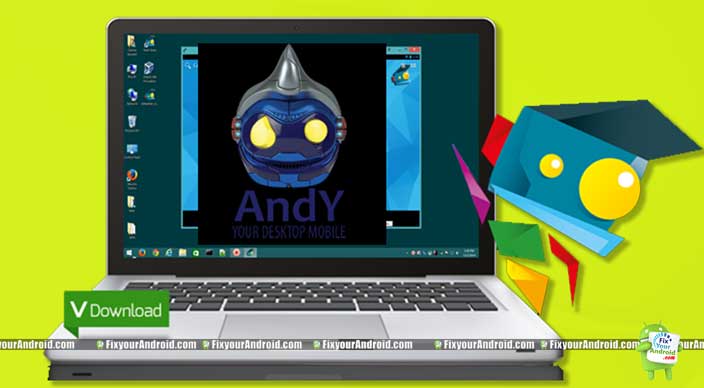
The unique feature of Andy including multi-touch support file system access, app sync, game controller support, and others, makes it the best alternative of BlueStacks emulator.
You can use Andy Android Emulator to run almost all Android apps and games on PC. In addition, you will find a nice GU interface for Andy. Which will make you instantly fall for this Bluestacks alternative.
Like Bluestacks the emulator is also capable to run almost all Android apps on PC but Andy is quite popular among the game lovers who want to play Anoird games on Windows PC.
Android App to identify a song by humming
2. KoPlayer
KoPlayer is another best Android Emulator for your Windows PC. Like BlueStacks and Andy, KoPlayer is also dedicated to gaming purposes. However, you can still experience running Android apps on Windows using KoPlayer emulator.
In addition, with KoPlayer Android Emulator, you can also record while playing games. Game controller support, key mapping, file manager and other features are some highlights of the Android Emulator. The player has all the quality to replace the Bluestacks emulator.
What is Sarahah and How does Sarahah Work?
3. Remix OS player
Remix OS player is the best BlueStacks alternative you can try today is not an emulator but basically, a full-fledged OS replacement for windows. Remix OS Player is based on Android. if you want to experience a real Android PC, you can install Remix OS Player on Windows.
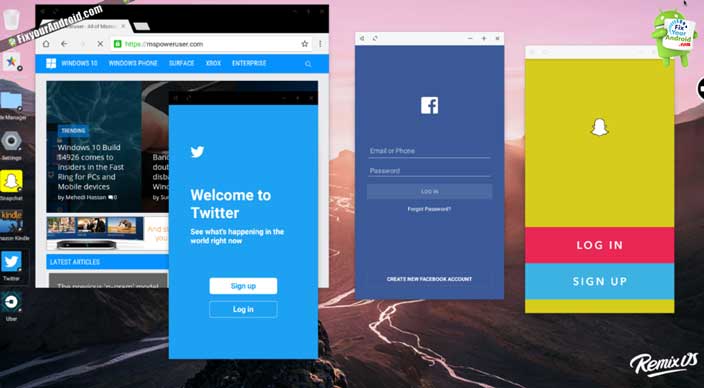
This is also a gaming emulator you can use like BlueStacks. This full-fledged Android OS, allows users to enjoy the Android Operating system on Windows PC as it was running on Android. Install this Bluestack alternative to play games and other Android apps on Windows in full screen.
Best Android Auto Dialer App To Schedule and Make Auto Calls
4. Droidx Official
If you are looking for a free Android Emulator for Windows PC then Droidx Official would be the best option for you. The emulator is the best free BlueStacks alternative emulator. Droid X might be free but yet very powerful.
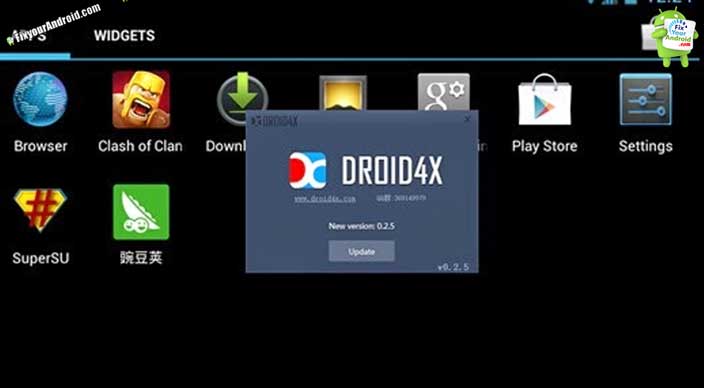
This BlueStacks alternative is able to run almost all the Android games and apps on Windows PC. GUI is quite similar to BlueStacks itself.
To use this emulator you don’t need any real Android phone and you can directly operate it on Windows PC just like BlueStacks.
Use Droidx to run android apps and play Android games on Windows PC directly. Droidx4 is well popular for playing PUBG mobile on Windows PC.
Download Winamp Media Player on Android
5. Dolphin Emulator
Dolphin emulator is one of the best BlueStacks alternative emulators for Windows. It is actually better and excellent than BlueStacks itself. Dolphin emulator is available for major platforms including Windows, Linux, and Mac as well. The Emulator is equipped with all the features like BlueStacks.
The best part is the Dolphin emulator is, it’s a completely free Emulator with open source in nature for Windows and other operating systems.
This means you have complete control of the installation and development of the Emulator. Quite useful for playing Android games and run Android apps on Windows, Linux, and Mac as well.
Best video Player to Play .Mov Video Files on Android
6. Windroy
Windroy is not actually an emulator to run Android games and apps on Windows. But, it is dedicated to android developers. The interface of the app is quite similar to BlueStacks. But, the emulator is developed for Android Developers for testing the apps before actually launching them.
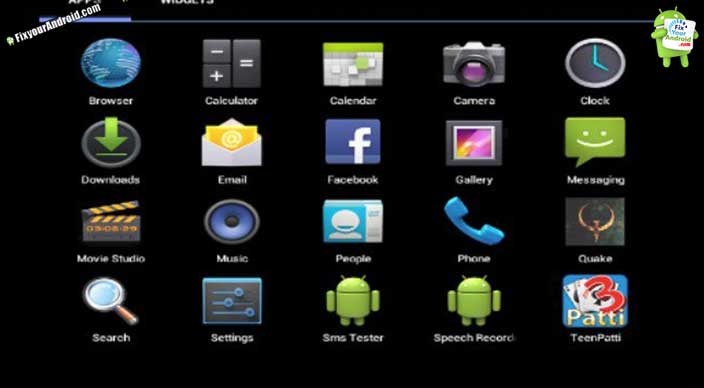
It is limited when it comes to controls, game controllers, and other external supports. The app actually copies the entire Android interface on Windows PC which can be controlled using a mouse.
Sadly gamepad and other keyboard customization are not supported by this tool. If you are a developer and want to test Android apps before actually launching them this is the best emulator for you.
Download Android Apps on PC and Transfer to New Device
7. AMIDuOS
AMIDuOS is another best free Android emulator available for Windows operating systems. This free Bluestacks alternative supports almost all major Android apps and games on the PC. This is the best emulator for hardcore gamers.
Supports OpenGL and a fully customizable keyboard with hardware acceleration makes AMIDuOS a powerful alternative of BlueStacks.
It is completely free to download and install for Windows operating system. It is a revolutionary new concept that brings the functionality depth and fun of android OS to play and write games and apps on Microsoft Windows devices. The emulator runs on Windows 7, 8 8.1 and windows 10 as well.
The best part of this Bluestack alternative is, you can easily switch between Windows and Android environments without any dual boot.
In addition, it supports 3D acceleration to give you a great gaming experience. Suitable for playing most graphics-intensive games like PUBG mobile, combat, etc.
Musicpleer | Free Mp3 Music Download | Musicpleer App
8. Bliss
Bliss is a free Android emulator for PC with unique features and capabilities to run via USB stick is one of them. This means you can install this Android emulator on USB stick or SD-card and convert any Windows PC into Android PC on the go.
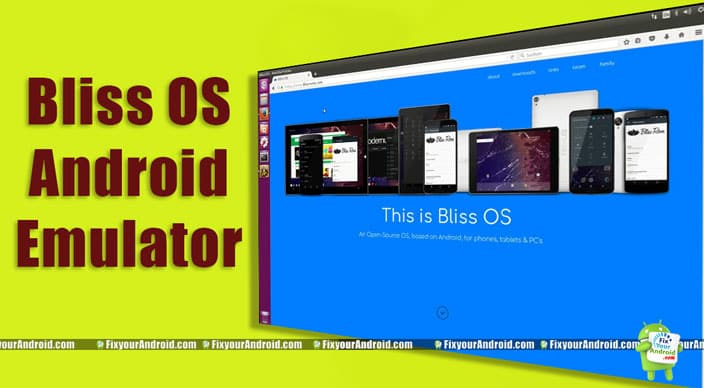
Bliss is equipped with all major features like Bluestacks and quite useful and popular among the Android developer community.
However, the emulator is quite similar to BlueStacks but, not made for the gamers community.
So if you are looking for an emulator to play Android games or apps on your Windows PC, look for another android emulator as this is completely dedicated to Android developers only.
Bliss is a completely open-source Android OS ROM that can convert Windows PC into Android PC. It’s a stand-alone installer ROM to install on Windows running busy as a dual boot device or you can install Bliss on any USB stick.
Simply boot your Windows PC using this USB stick to use windows PC as an Android emulator. This Bluestack Alternative supports the latest oreoOS.
Features:
- Focus on design- We include many options for customization and theming throughout the OS
- Customized settings-Choose settings depending on the criteria you value the most. With no limits.
Price: Free
Offical page to Download Bliss emulator ROM
Recover Deleted Images, Video and Data From Android Device
9. Nox player
Nox player has all the qualities to be the leading Bluestacks alternative. This Android emulator is focused on gaming and high graphics apps. As the name suggests itself Nox player Android emulator has advanced features to enrich the gaming experience and graphics.
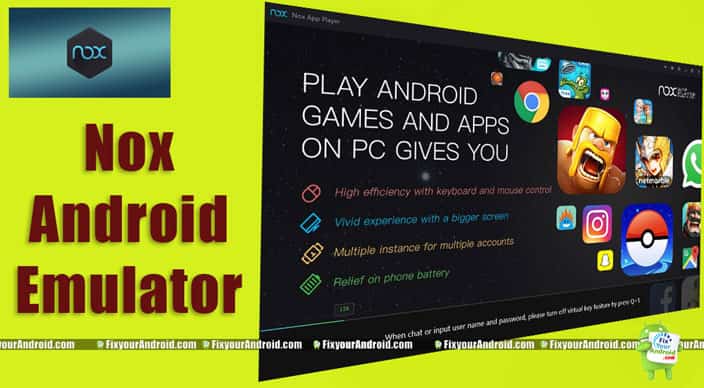
The GUI is quite similar to BlueStacks but with extra gameplay optimization and controller support makes Nox player a big competitor of BlueStacks.
As compared to the BlueStacks emulator, Nox player can give you an amazing gaming experience. Installation and operation are quite similar to Bluestacks.
Nox Player Android Emulator is a complete solution to play all major Android Games like Clash of Clans, Pubg Mobile and many more.
10. GenyMotion
GenyMotion another Bluestacks alternative that is completely free. This alternative is capable of running all the Android apps and games on PC.
In addition, the emulator is equipped with Open GL and hardware acceleration support which makes the graphics and UI smooth. The Open GL is an engine to help software to run heavy games smoothly.
11. Youwave
Youwave is a Bluestacks Alternative that is free and suitable to run Android apps on PC. Like Bluestacks, Youwave is capable of running almost all the Android apps and games on PC.
In addition, the emulator has some additional features like saving the data on custom locations to access to search it easily makes it worth try.
The free Android emulator supports all the latest Android versions. Unfortunately, it is available for Windows PC only. Still, the lightweight installations make it the best contender of Bluestacks.
12. QEMU
QEMU known as Quick Emulator is an open-source Android emulator and the best alternative of Bluestacks for PC to run Android apps and games.
As the name suggests itself, this free Bluestacks alternative is a lightweight emulator and run faster as compared to other Bluestacks alternative emulator.
If you are low on RAM, this emulator can help you to access the Android app on PC without lags. QEMU has multiple operating modes as System emulation, User-mode emulation, KVM and others. It is available for Linux, MAC, and windows.
13. MEmu
MEmu is quite new but still, it has all the qualities to be the best emulator as compared to Bluestacks. Again a lightweight emulator that lets you play your favorite Android games and run Android apps on PC smoothly.
The Emulator supports all major Android updated versions and gives you a real gaming experience. Probably the best Bluestacks alternative for Windows PC to run Android apps and games on PC.
The emulator is compatible with AMD and Intel chipsets equally. You can download the emulator for the link given below.
Bluestacks Alternative Bonus
So this was the list of top free Bluestacks Alternative for PC to run Android apps and play Android games on PC. but wait, if you are not convinced yet. Then here is the bonus one.
Android-x86
Android-x86 is another less popular but yet powerful alternative to Bluestacks. This is actually a useful tool for Android developers to test the apps before the real launch.
But still, this emulator has all the features like Bluestacks. This means you can also use this Emulator to run Android apps and games on PC. This free alternative allows you to create a virtual Android machine to give a real Android experience.
Android-x86 is a free Bluestack alternative emulator to run all the Android apps on Windows PC.
What is Emulator?
In a nutshell, Emulator is a pack of software that enables Windows or Mac pc to run Android and ios apps and games on PC/Laptop. There are different Emulators for the different OS including Mac and windows.
And yes you need a separate Emulator for iOS and Android as well. You can follow the links here to find more about the Emulators.
Best iOS Emulator for Windows PC
Best Free Android Emulator for Windows PC and Mac 2020
But for now, we shall discuss Android Emulator and Bluestacks. Bluestacks is one of the best Android Emulators for Windows PC. The emulator is able to run almost all the Android apps on your Windows and Mac PC.
Android emulators like BlueStacks are however capable to run almost all the applications on Windows PC but still, Bluestacks has its own limitations and restrictions.
In such we have collected a handful of Android Emulators like BlueStacks.
RELATED:
- Best Free Android Emulator for Windows PC and Mac 2020
- Best iOS Emulator for Windows PC | Run iOS Apps on Windows
- How Safe is Bluestacks: Honest Review
- How to Resolve the Bluestacks Download Pending Error
- How to Uninstall Bluestacks on Windows and Mac?
BlueStacks alternative final words:
This was the list of the best free alternative emulators of BlueStacks. These emulators are suitable for hardcore gamers, android developers, and other Android app and game enthusiasts who want to experience the Android environment and app running on the Windows operating system. Don’t forget to share your opinion in the comments box below and also do mention which is the best Bluestack alternative Android emulator you are using.